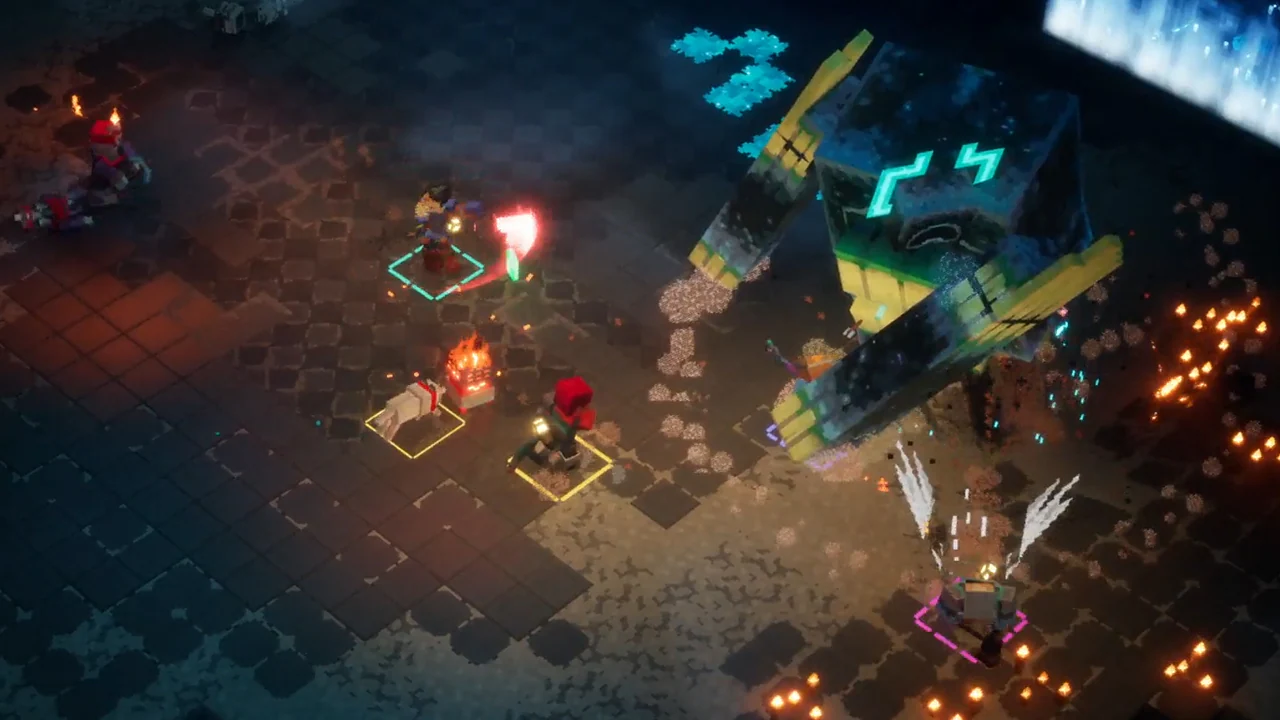
Minecraft Dungeons II guide
Get the party ready before the invites
Before a crossplay session, confirm each player's listed platform, choose local, online, or mixed co-op, count everyone against four total players, and check the Microsoft-account or console-online requirement that applies to that player.
This is session preparation, including mixed groups. It gets everyone ready without guessing at a final invite screen that no pre-release source has published.
On this page
Check the platform and account path
Confirm every player is using an announced version. Steam players need a Microsoft account and can link it to Steam. For remote console co-op, check the platform-specific online subscription; this does not extend to a local-only or PC requirement.
Prepare a mixed party
Mixed co-op is announced for two or more people sharing one PC or console alongside additional online players. Decide who is sharing a device and who is remote, then keep the total to four players or fewer. A 2-local-plus-2-online party fits the announced cap, but the source does not prescribe which person joins first.
Choose a join method
Use a party code for a group that already knows each other, or try matchmaking when you want to meet additional players. Pick one for the session based on the group you have; both are announced ways to join.
Keep planning: Compare local, online, and mixed co-op
Know when you are ready to invite
You are ready when the group knows its intended mode, every remote player has cleared the relevant account or platform check, and the planned headcount is four or fewer. Change the plan if someone moves from remote to shared-device play, because the party composition changes with them.