Minecraft Dungeons II guide
Choose how your party plays together
Choose local co-op when everyone shares one PC or console, online crossplay when everyone joins remotely, and mixed co-op when two or more players share a device while others join online. Keep the whole party at four players or fewer.
The announced systems include local co-op, online crossplay, and mixed co-op. Party codes and matchmaking are two announced ways to find a party, so choose the one that matches whether you already know the people you want to play with.
On this page
Choose the right co-op mode
Start with who shares a device. The choice is about your group composition, not a promise about a particular camera arrangement.
What does your party look like?
Start with local co-op. It is announced for PC as well as consoles.
| Situation | Mode to choose |
|---|---|
| Your group is in the same room and plans to share a PC or console. | Start with local co-op. It is announced for PC as well as consoles. |
| Your party is meeting online from separate locations. | Start with online crossplay, then confirm the relevant store page before launch. |
| Some players will share a device while others join online. | Choose mixed co-op. It is the announced fit for a shared device plus remote party members. |
Count the whole party
The announced maximum is four players total. A two-local-plus-two-online group fits that cap, but it is a composition that fits the limit rather than a published setup sequence.
Use the join method that fits your group
Use a party code when you are arranging a session with friends. Use matchmaking when you want the game to help fill a party. They answer different needs; choose the one that gets your group playing.
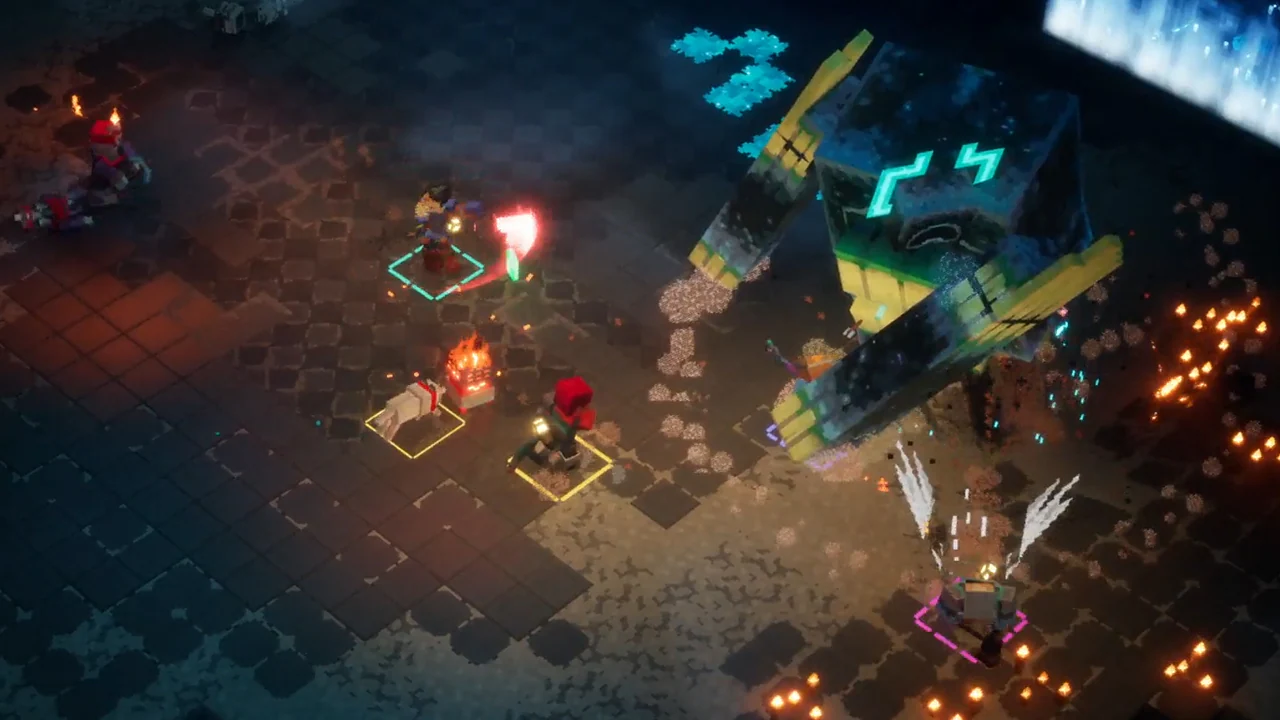
Run a simple preflight when a party cannot connect
Confirm the intended mode, recount everyone against the four-player total, and check the platform and account requirements for remote players. Steam requires a Microsoft account, while remote console play has a separate platform online-subscription check.
If the group still cannot connect, use the official platform or game support information shown at the time. The announced material does not set out current error-code branches or a mandatory join order.
Keep planning: Run the crossplay checklist · Check platform details